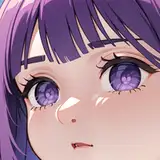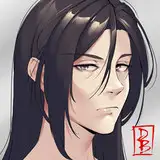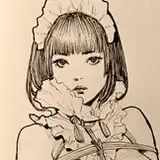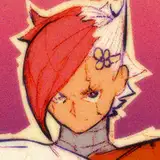
These are the brushes that i use when i go for the CvS2 style.
Aside from the Meow™ brush, every other brush that i use are just a basic brushes tweaked to my needs and taste, with the objective of creating illustrations that match a certain style.
-Meow- This is a pencil brush that i made with the objective of drawing at high resolutions (4k+ pixels) without the lines looking ugly at 100% zoom. I prefer a low stabilization setting to prioritize speed and feel of the lines while sketching and doing quick clean-ups (with a sketchy look in mind), but they work pretty much the same at higher values.
-Smooth G-Pen 70%- A tweaked version of the classic basic round brush. I modified the density, opacity and pressure to help me clean the sketch lines and shade the painting without making big value commitiments.
-Hard G-Pen 90%- This is a high commitment brush that leave a little trace of what's below it's brush strokes. I use it to make outlines that still have a small amount of value variation to maintain color in a grayscale workflow. I also use it as an eraser when overpainting.
Simply drag the files to the tool sub-window that you'd like to have them in. You can also choose the "Import sub tool" option on the sub-tool window menu (3-line icon on the top left).
There's a few options that change the way brushes behave in different setups:
-The tablet's pressure sensitivity setting
-Clip Studio's pen pressure setting (File> 4th last option)
-The brush own settings
Your tablet's settings will affect every program (unless specified with profiles/program settings) and Clip Studio's settings affect every tool inside it. So please check if both of them are at their default values.
If you have these universal settings customized, I'd recommend to instead make backups and customize the specific tools that you want to have a different sensitivity, while leaving the universal settings at their default.