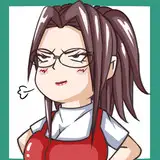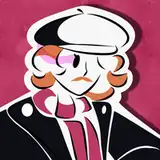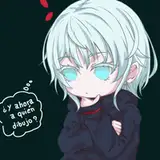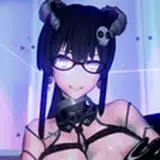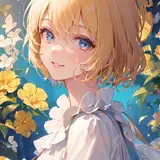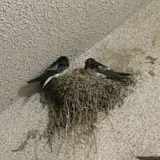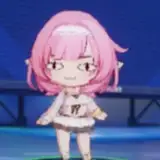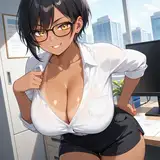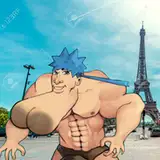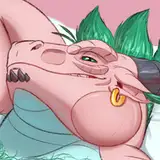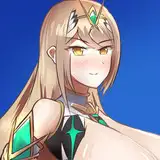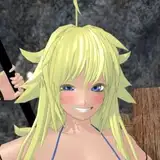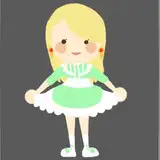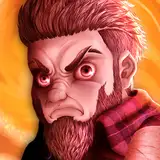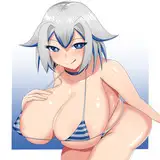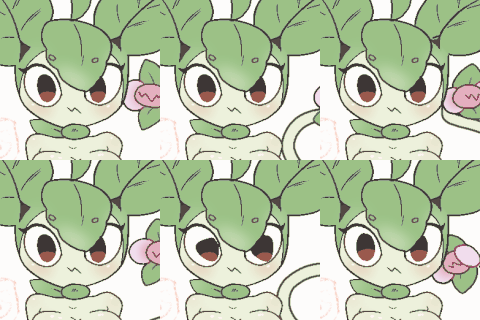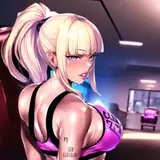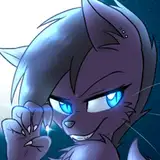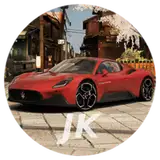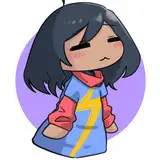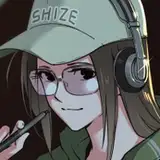
First art look pass.
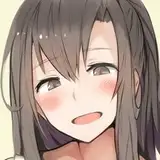
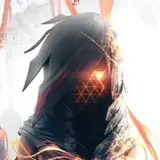
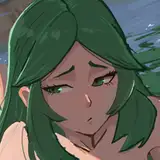
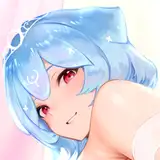
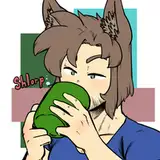
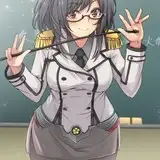
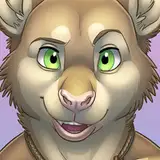
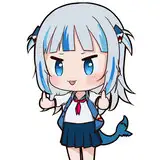
I began by looking at some art reference so that I had a concrete target goal. I compiled the following top pics:

The art look will of course look anime style but I really wanted to get that drawn look. Sounds like a job for shaders. Some other details I focused on: lack of details in shadows, purposely missing outlines in some places, watercolor feel to shading.
So first things first I cleaned up materials, combined textures, and imported the model into Unity so it is easy to work with.

I then threw on some very basic Unity shaders to see what I would be starting with:

Indeed this was way too realistic compared to the reference art images. So I began playing around with an outline shader and a kuwahara filter. The kuwahara filter is a nice effect that renders anisotropy giving it a painterly feel. Unfortunately it eats detail so a combination of screen space outline and mesh outline was used to bring back the corner edges and detail:

The outline was not working too well because the screen space outline would overlap with the mesh outline, giving certain regions too much black outline (like the hair). But then I had the genius idea of making the mesh outline white so that the screen space outline would find detail outlines better. Made a huge difference. Notice how you can almost see the white outline behind the black outline:

I also made sure that the anime style remained cartoony in shadows. Sharp hard shadows break the feel of the painterly look especially coming from the hair, so I drew a map in photoshop to occlude shadows on the face:

The face mesh normals were also adjusted so they are flatter, giving the face a more drawn look. I also added color ramps so that the transition from bright light to shadow has a color gradient, a very standard technique for anime styling. Worked well with the hair. Lastly, I modified the shader so that it picks up ambient lighting from the surrounding environment. This was given a slider so that certain parts of the character model don't pick up that ambient lighting:

I'm using Unity 2022 with URP as the render pipeline and I have say it was a nightmare to get some of these effects since a lot of functionality is either undocumented, missing functionality, or hard to find. Regardless I believe I have some nice to start out with. I'll be revisiting the look later to add true anisotropic hair reflections to give it those cartoony hair shines.
Now I'll be working on the game and parts of the environment.
Stay tuned!